














Your workout, planned. Your weights, worked out.
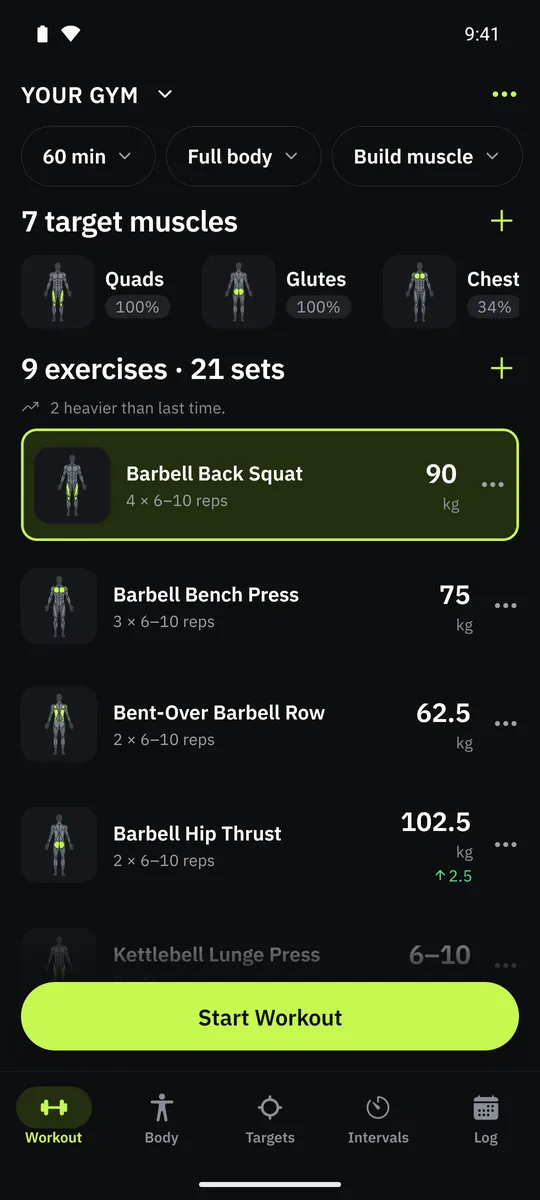
Tell it your goal and the equipment you have, and it plans your workout. Your weights come from what you lifted last time.


Your next workout, built for you
Tell it your goal, how many days you train, how long a session is and what equipment you can actually reach. It will never suggest a movement you cannot do. Save a setup for every place you train, and switching gyms rebuilds today's session.
Tick what you have. It plans with nothing else.
A few dumbbells at home, a full rack at the gym, a band in a hotel room: save a setup for each place and switch in one tap. Grasp only plans exercises you can do with what is ticked, and rebuilds today's session when you switch.
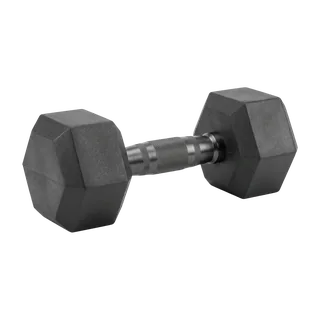 Dumbbells
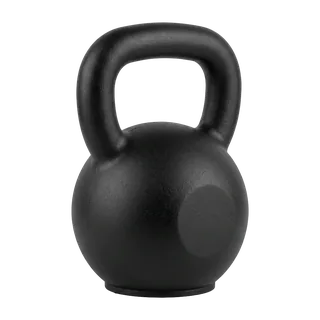 Kettlebell
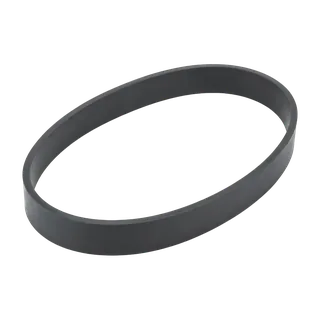 Resistance band
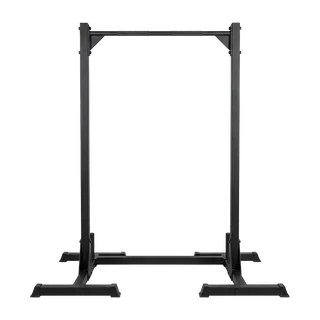 Pull-up bar
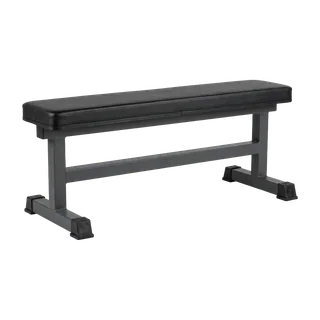 Flat bench
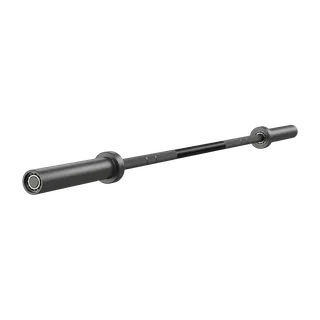 Barbell
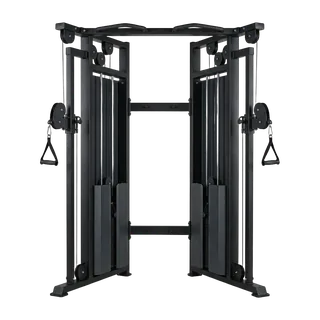 Cable machine
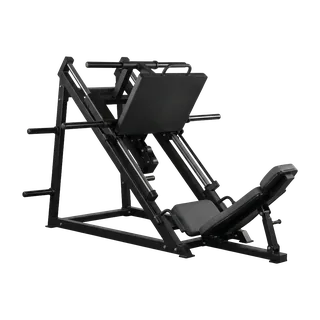 Leg press
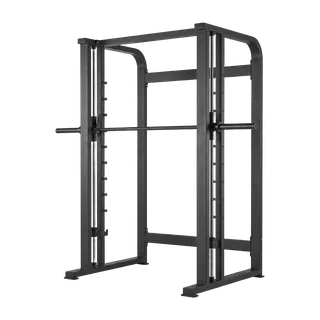 Smith machine
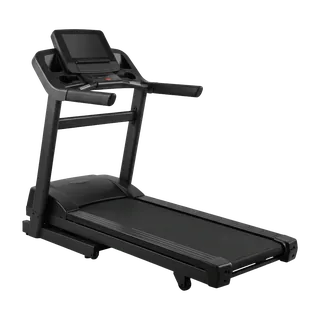 Treadmill
Your own routines, set by set
Prefer your own program? Build a routine and set every set the way you want it: warm-up, normal, drop set or to failure, an exact number of reps or a range, and your own rest. Grasp still fills in the weights from your last session, and you can change any number.
Pair exercises into supersets and drag them into order. Switch between the Grasp plan and your routines in one tap, and when a workout goes differently, choose whether the routine changes with it.
Your weights go up with you
Hit the top of your rep range on every set and the weight goes up. Don't like it? Change it in one tap.
Every set reached the top of your range — up 5 kg.
↑ 5 kgMiss it twice and it comes down. Five kilograms here because that is the smallest step on the machine. Warm-up sets are worked out from your working weight, and the rest timer starts itself.
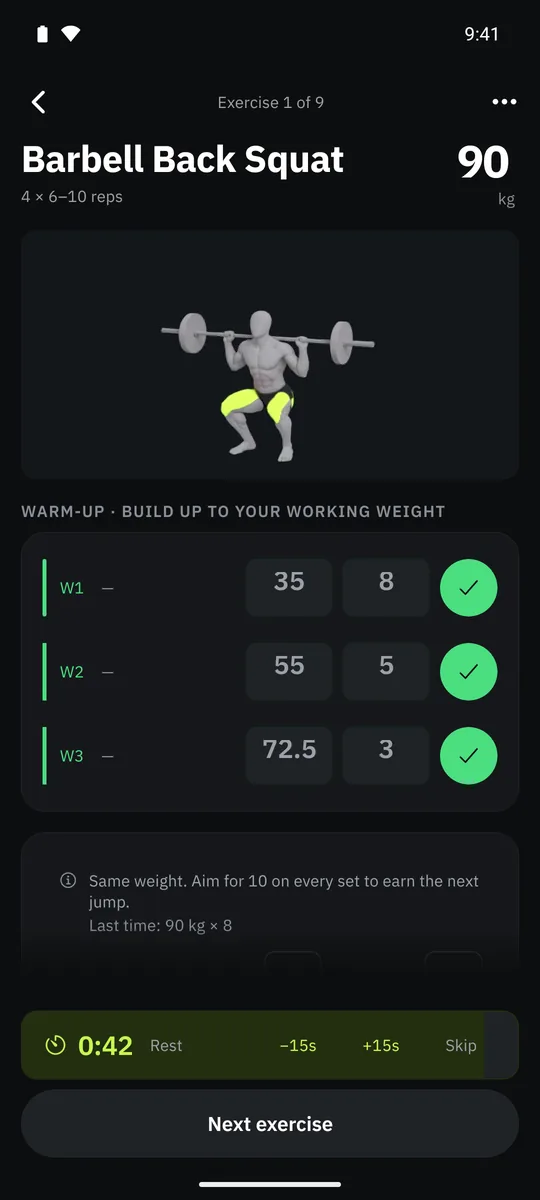
Every personal record, marked
Lift your heaviest weight, beat your best estimated max, do your biggest set or more reps than ever, and Grasp marks it the moment you log the set.
The workout summary lists every record you set. Records are worked out from the sets you logged, so fixing a mistyped set fixes the record too.
See what needs rest
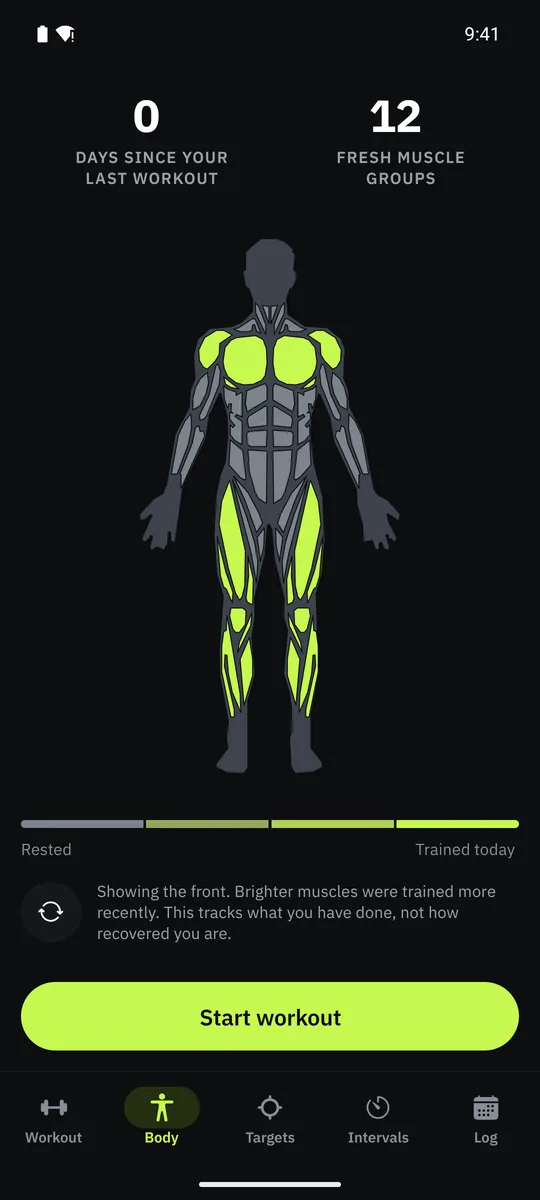
A body map shades each muscle by how recently you worked it, so a week of training reads at a glance instead of needing to be added up. Muscles fade as they recover.
Weekly targets, per muscle group
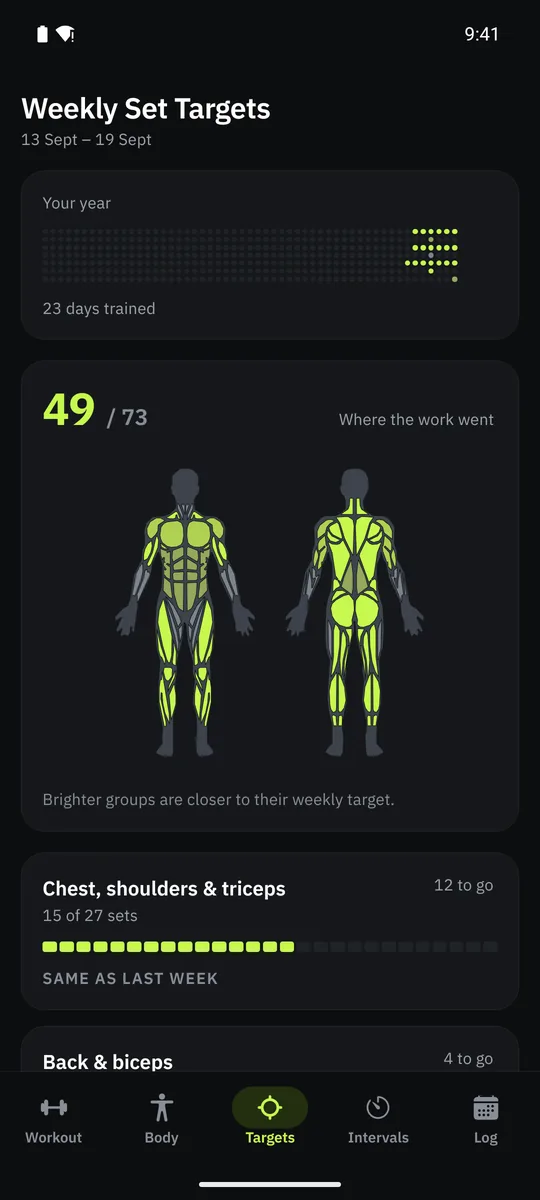
Sets are counted against a weekly target for each muscle group, and you can change the target. You can see where the week's effort went, and what is still short.
Intervals for anything in rounds
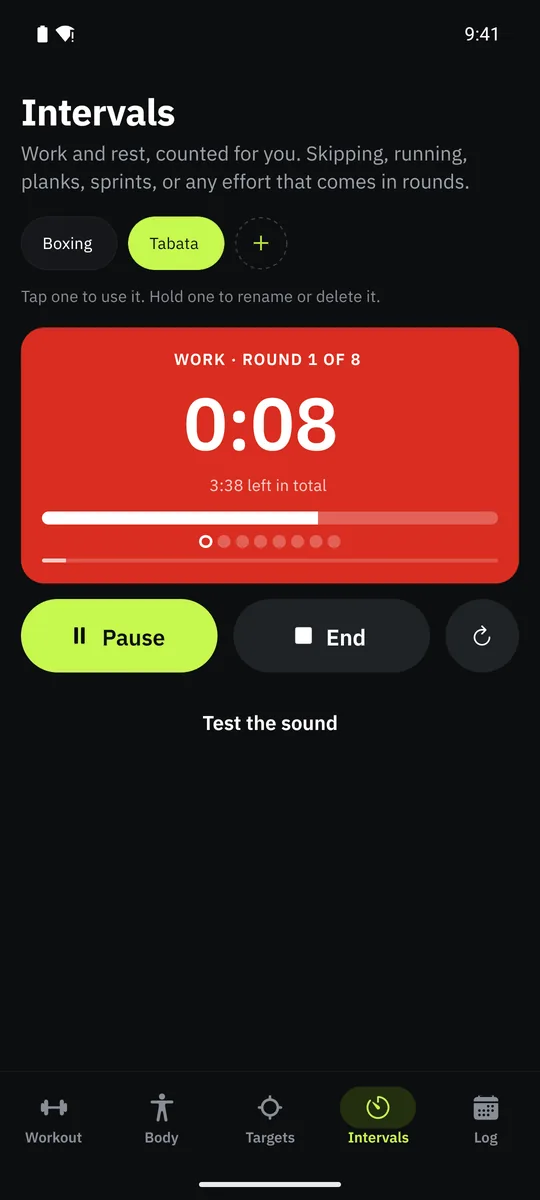
Rope, sprints, planks: work and rest, counted for you, with a sound at every change so you can put the phone down. Save your own presets. Between sets, the rest timer rings and counts down in the notification shade.
Every session, on the calendar
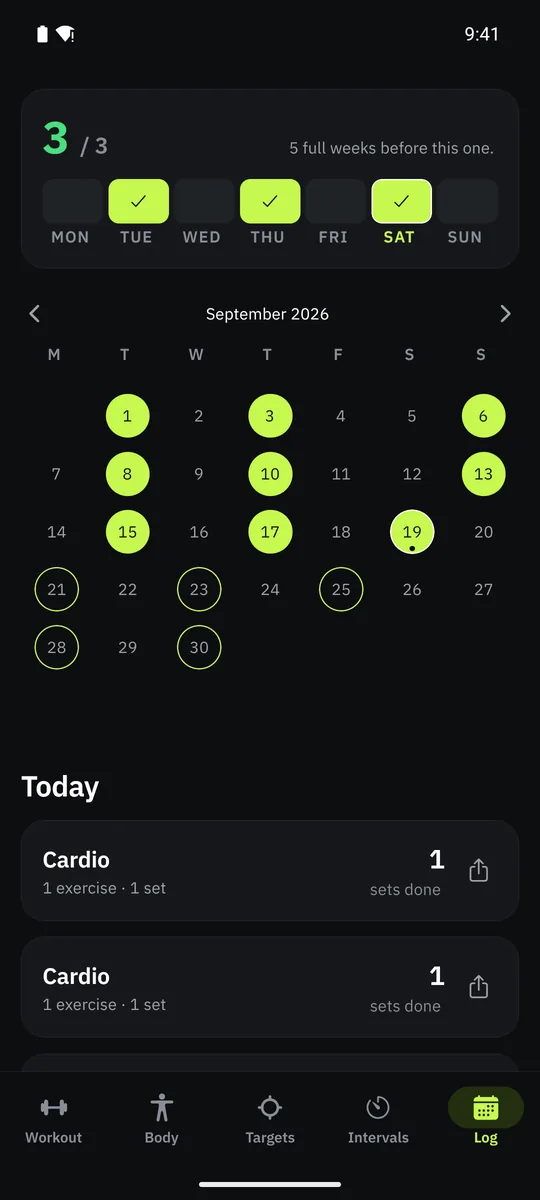
Everything lives on your phone and works with no signal. An account only backs your training up so it survives a lost phone. Export everything as a spreadsheet or a complete backup whenever you want. It is your training, in a format you can open.
Not an AI
No AI decides what you lift. It is plain maths you can check: set targets per muscle, what you logged, and one simple rule for the weights.
That is also why it works on your phone with no signal.
Common questions
Is Grasp free?
Yes. Grasp is completely free: no ads, no subscription, no paid tier and nothing to unlock.
Does Grasp work without internet?
Yes. Your workout and your weights are worked out on your phone, so it works in a gym with no signal. Only the first sign-up needs internet. The account is there to back up your training.
Which languages does Grasp support?
15: English, Arabic, French, German, Spanish, Italian, Turkish, Polish, Russian, Hindi, Chinese, Korean, Japanese, Indonesian and Portuguese. That includes the exercise names and the step-by-step instructions.
Can I train at home with just dumbbells?
Yes. Tick the equipment you have and Grasp only plans exercises you can do with it. Save a setup for home, the gym or a hotel and switch in one tap.
Can I make my own routines?
Yes. Build as many routines as you like, set by set: warm-ups, drop sets, sets to failure, exact reps or a range, and supersets. Grasp fills in the weights from your last session, and you can switch back to the Grasp plan any day.
How does Grasp pick my weights?
From what you logged last time. Reach the top of your rep range on every set and the weight goes up. Miss it twice and it comes down. You can change any weight in one tap.
Does Grasp use AI?
No. It uses simple rules that run on your phone, which is why it works offline.
Is Grasp on Android?
Yes. Grasp is free on Google Play for Android and on the App Store for iPhone.
Does Grasp track me?
No. Grasp does not use advertising identifiers, analytics or usage tracking, and it does not ask for your location, contacts or microphone. The camera only opens when you take a photo for a share card.
Get Grasp
Free on Android and iPhone. No ads, no subscription, nothing to unlock.